
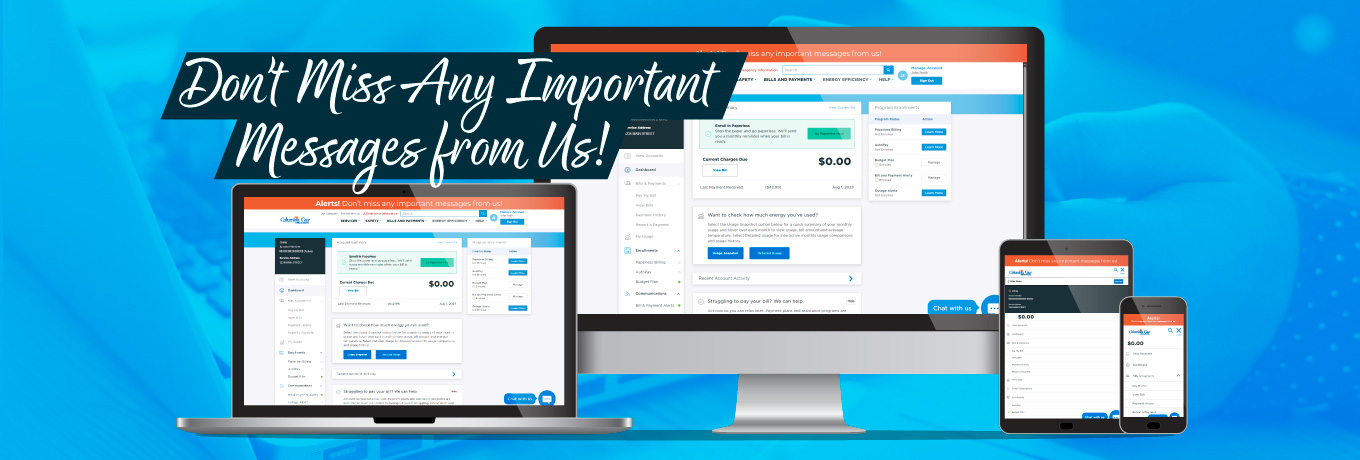
Keep your contact information updated
Keeping your contact information current ensures you receive timely and important notifications about your utility service. This accurate information helps us serve you better and ensures you don’t miss out on critical communications.
Login to update your contact info today!
It’s important for us to have the correct contact information on file for you.
By updating your contact information with Columbia Gas we can keep you informed regarding:
- Safety related information
- Updates regarding your account
- Service issues
- Information on programs in which you’re enrolled
Follow 3 simple steps to...
Update your phone number

Login to the My Account portal using your username and password.

From the portal's menu, go to the Manage Account section and select the Contact Info page.

Delete the phone number you want to update by selecting/highlighting it, click Delete or Backspace to remove it, then enter your new number. Be sure to click SAVE at the bottom of the page.
Update your email address
Login to the My Account portal using your username and password.
From the portal's menu, go to the Manage Account section and select the Login Info page.
Enter your new email address then enter it again to confirm the address. Be sure to click SAVE at the bottom of the page. Important: You will use this new email to sign into your online account.